

Setting Up Your Account
Before you can use the Morpheus Inference API, you need to create an account and generate an API key. This takes about 2 minutes.
Portal URL: app.mor.org
Step 1: Go to the Portal
Visit app.mor.org to get started. Click Sign Up and create an account with your email address or Login to your account.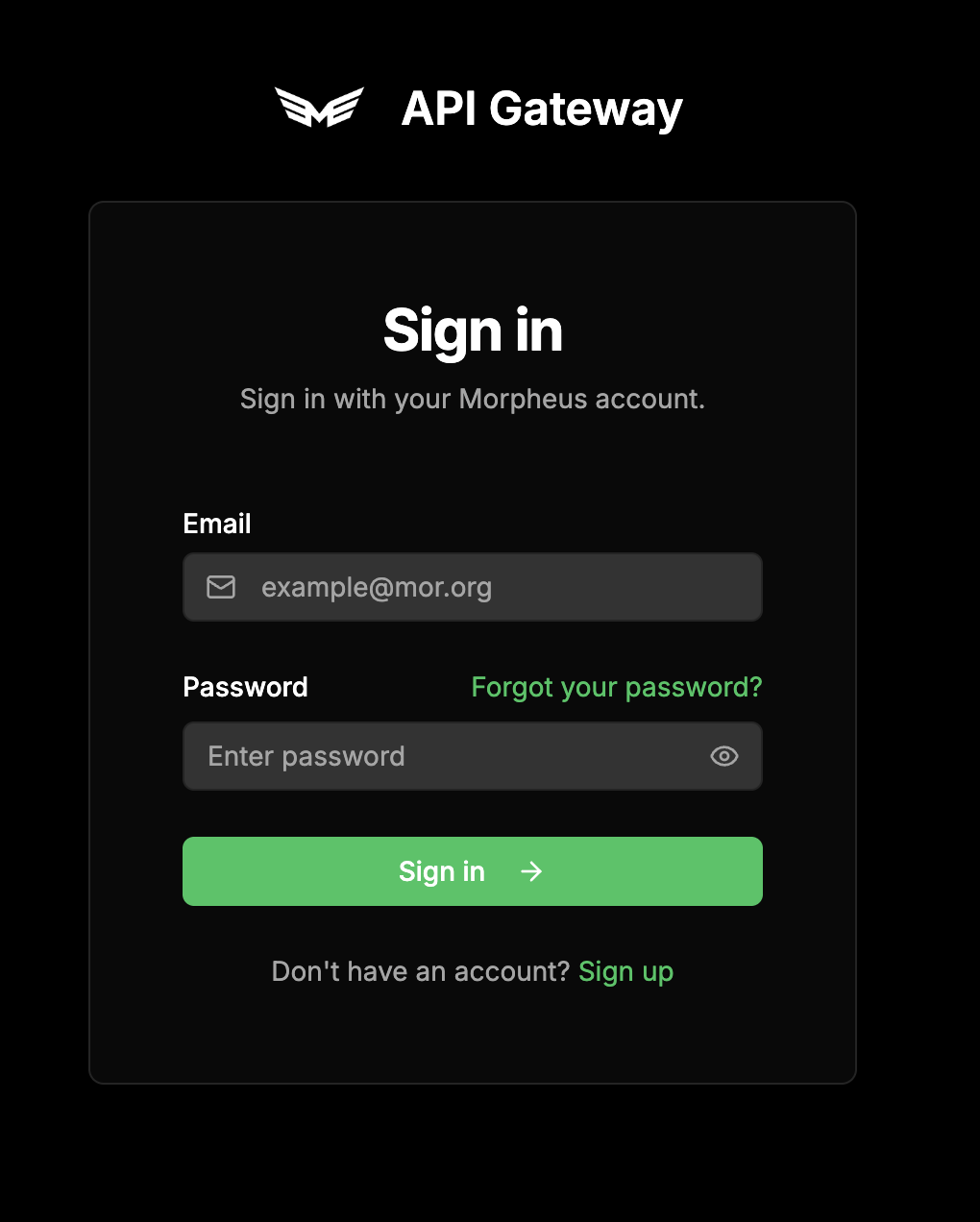
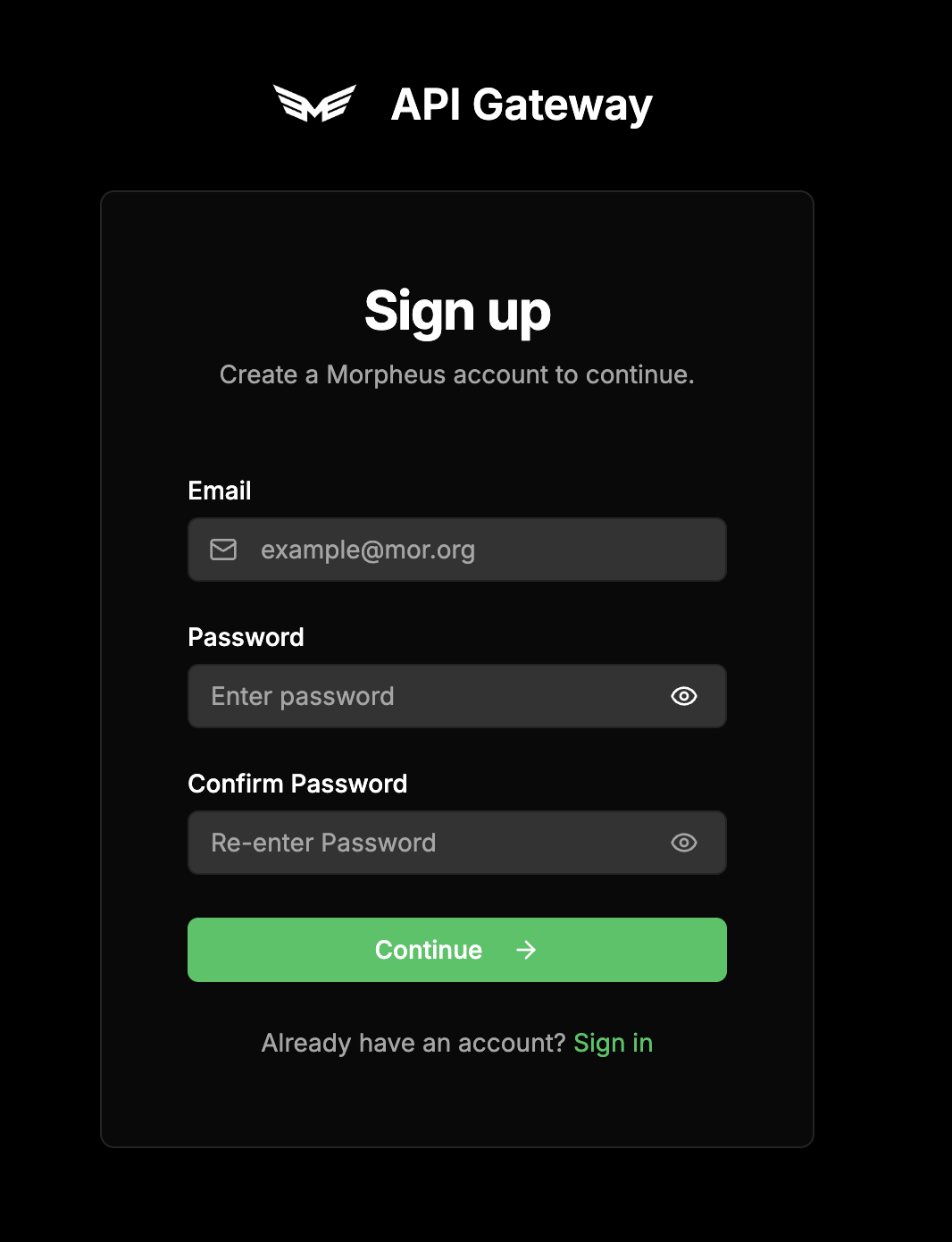
Step 2: Access the Dashboard
After logging in, you will be brought to your API Key dashboard.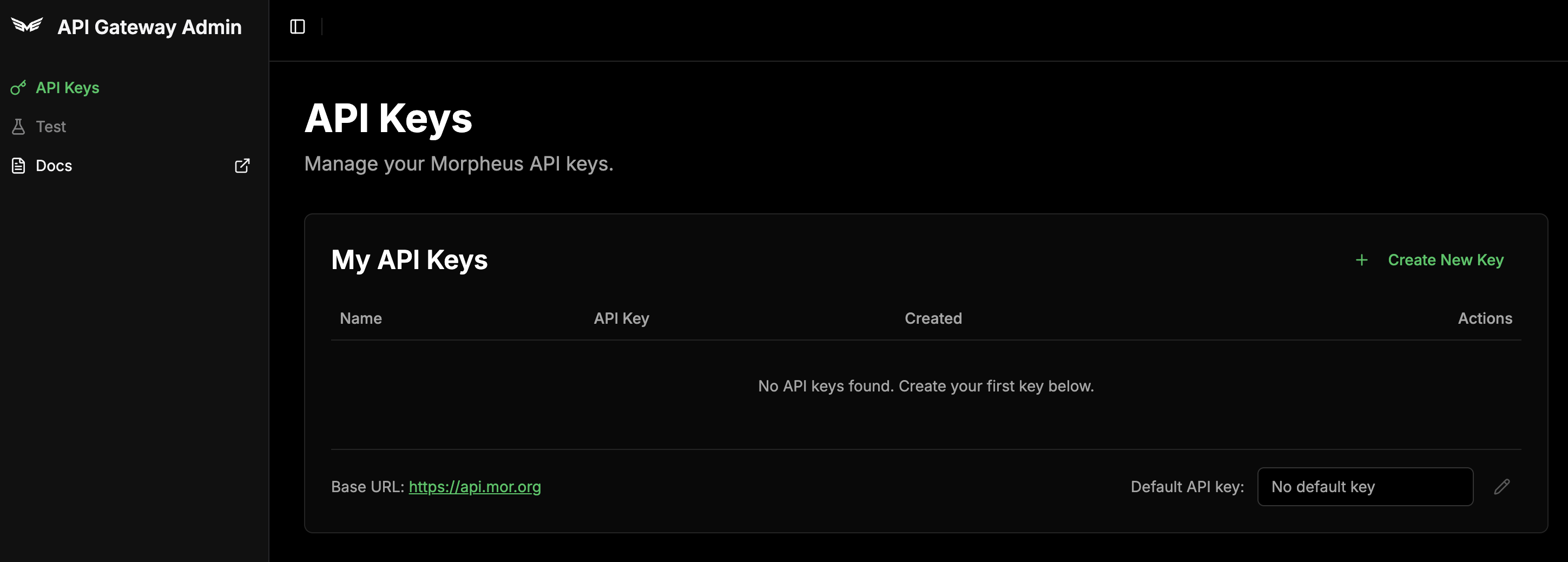
Step 3: Account Settings
Click your username and then the Account button to access your account settings. Ensure automation is enabled for your account to continue.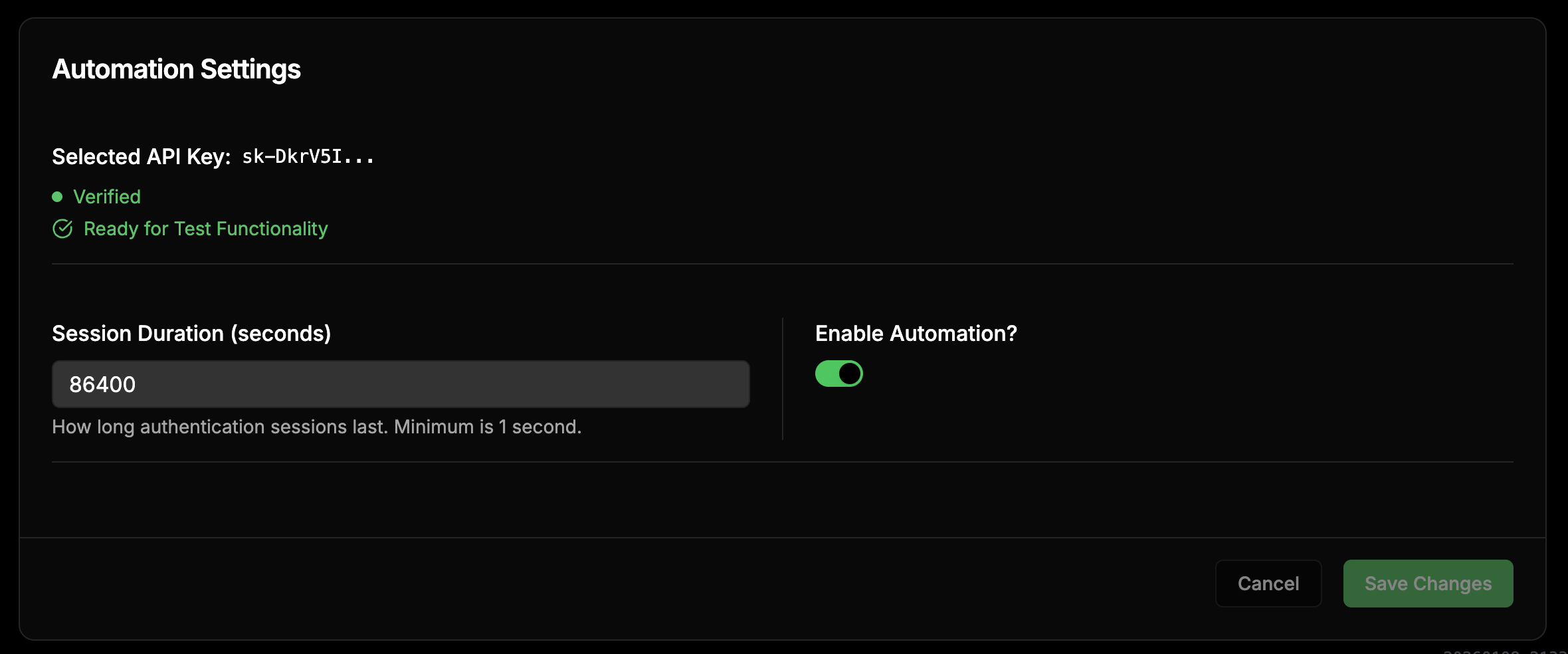
Step 4: Create an API Key
Go back to the main dashboard and click Create New Key and then name your API key. Upon creation, the key will be generated.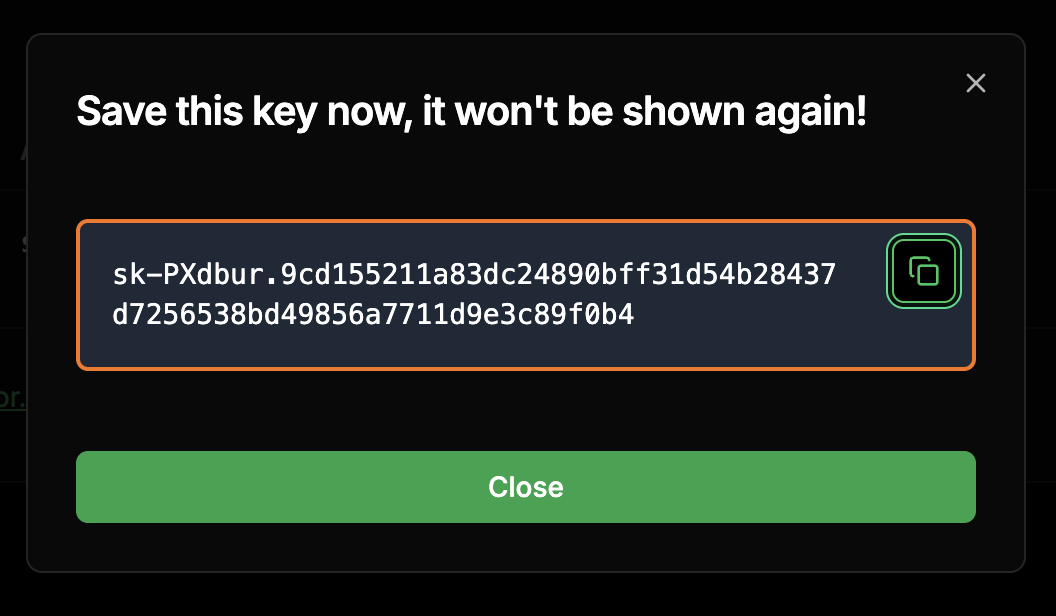
You’re Ready!
You now have everything you need to start using the Morpheus Inference API:Base URL:
https://api.mor.org/api/v1API Key: The key you just created (starts with sk-)Next Steps
Quickstart
Make your first API request with code examples.
Available Models
See all available models and their capabilities.
Cursor Integration
Use Morpheus with Cursor IDE.
OpenAI Python SDK
Integrate with Python using the OpenAI SDK.