> ## Documentation Index
> Fetch the complete documentation index at: https://apidocs.mor.org/llms.txt
> Use this file to discover all available pages before exploring further.
# Morpheus Inference API
> Learn about the Morpheus Inference API and create your account
# Morpheus Inference API
## What is the Morpheus Inference Marketplace?
The Morpheus Inference Marketplace is a decentralized network where **providers** host AI models and **consumers** access inference. The Morpheus Inference API abstracts all of this complexity—you just need an API key to get started.
**Key benefits:**
* **OpenAI-compatible** — works with any tool that supports OpenAI's API
* **Decentralized** — no single point of failure, protects your data
* **No wallet required** — just create an account and start building
***
## Create Your Account
Follow these steps to get your API key. This takes about 2 minutes.
### Step 1: Go to the Portal
Visit [app.mor.org](https://app.mor.org) to get started.
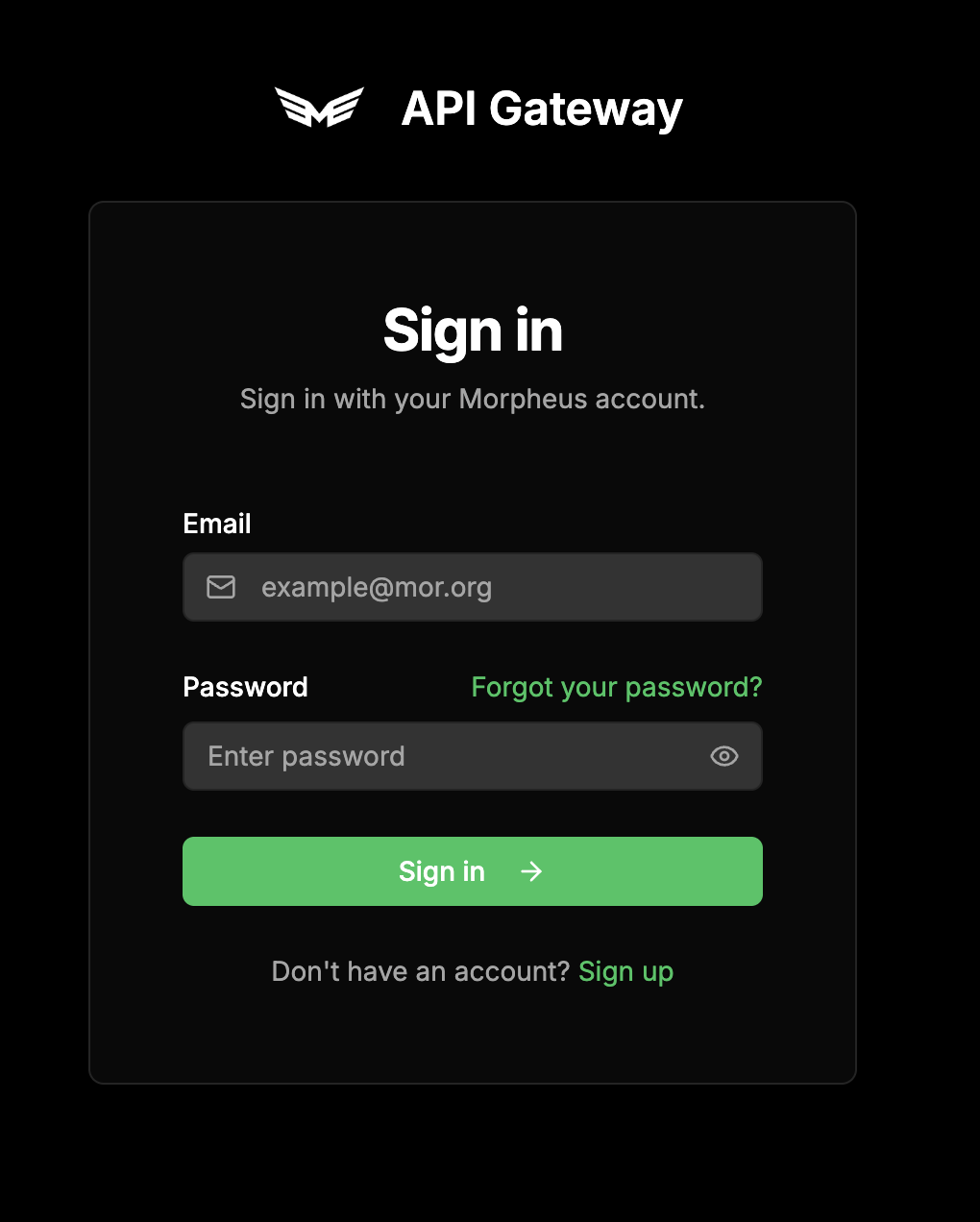
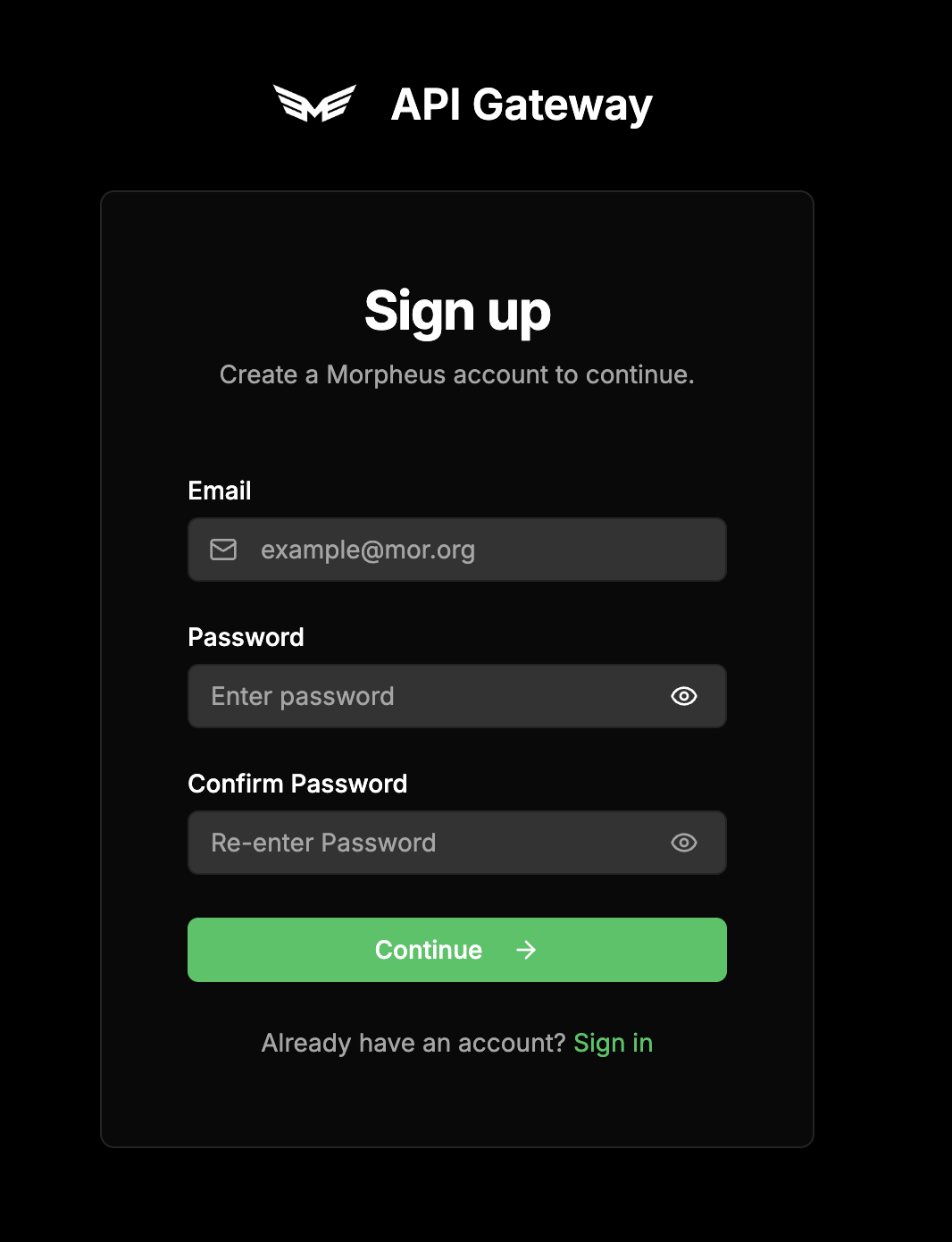
### Step 2: Sign In or or Sign Up for a New Account
Click **Sign Up** to create a new account, or provide credentials if you already have one. You'll need to verify your email.
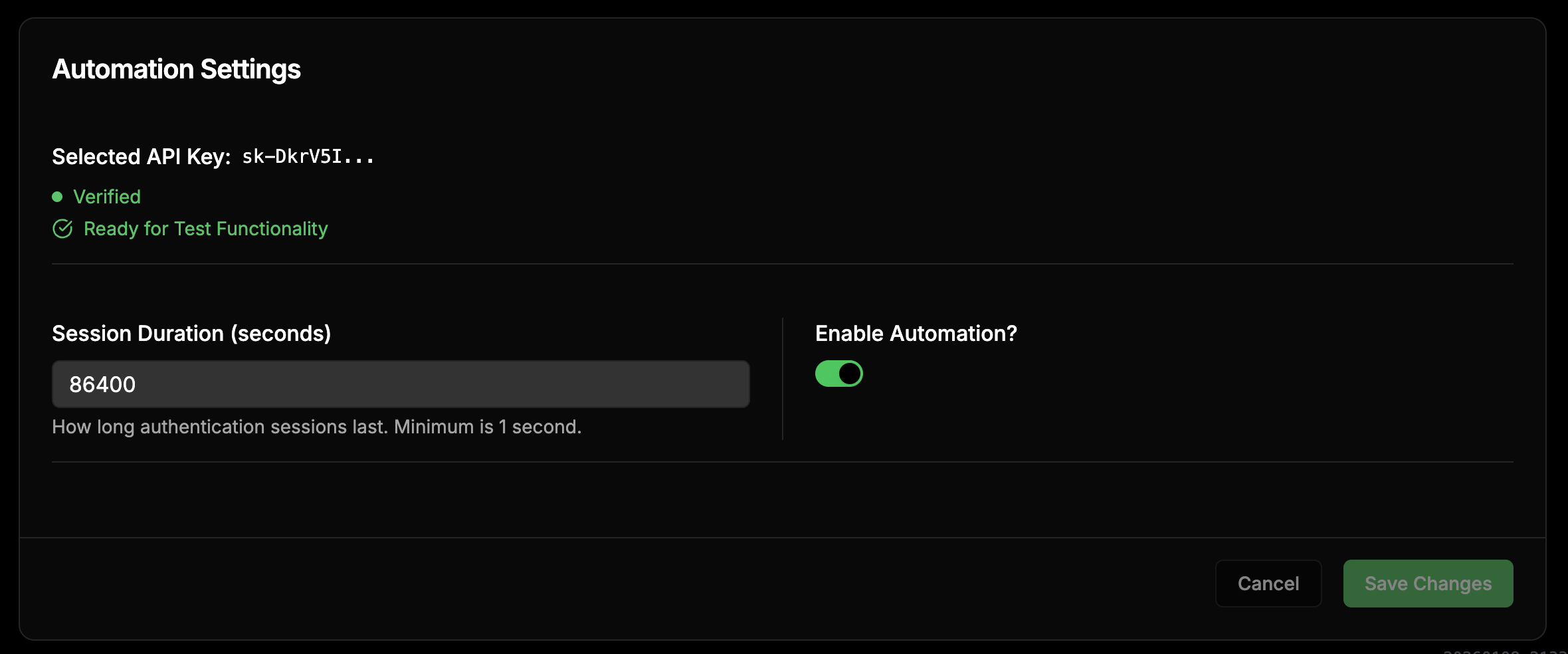
### Step 3: Access Your Dashboard
After logging in, access your account settings and ensure that "Automation" is enabled.
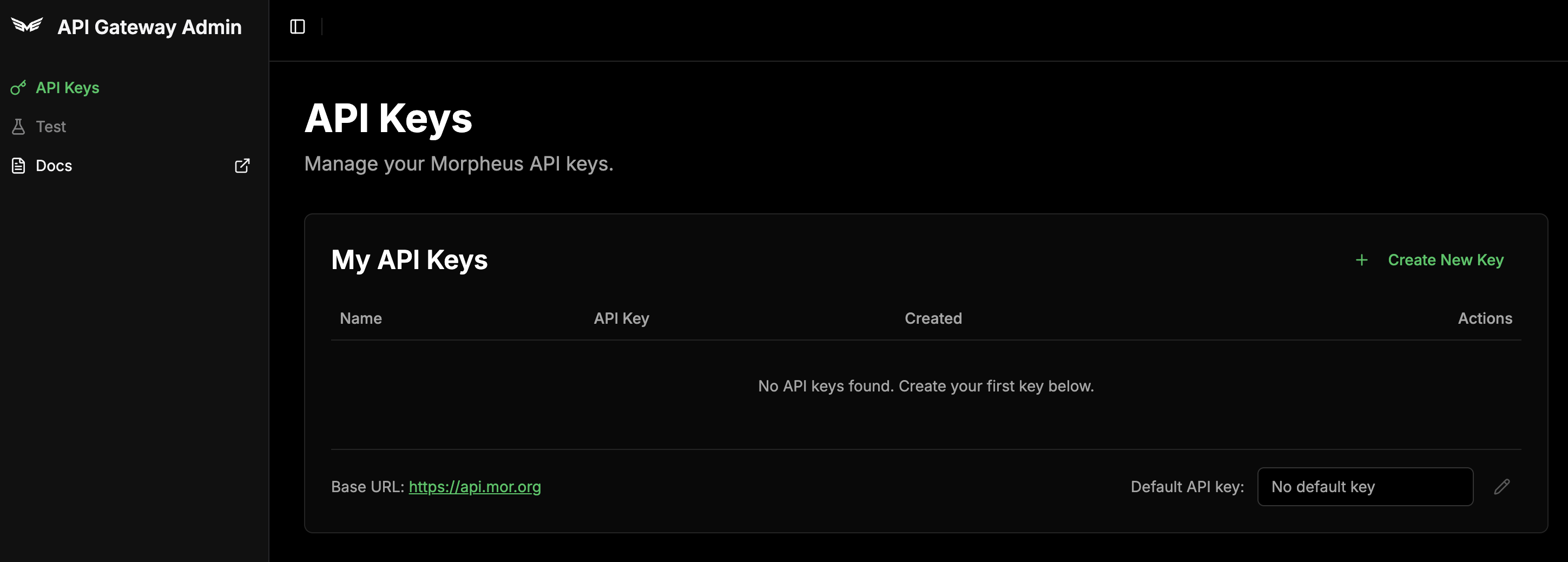
### Step 4: Create an API Key
Click **API Keys**, and then **Create New API Key**, give it a name, and click create.
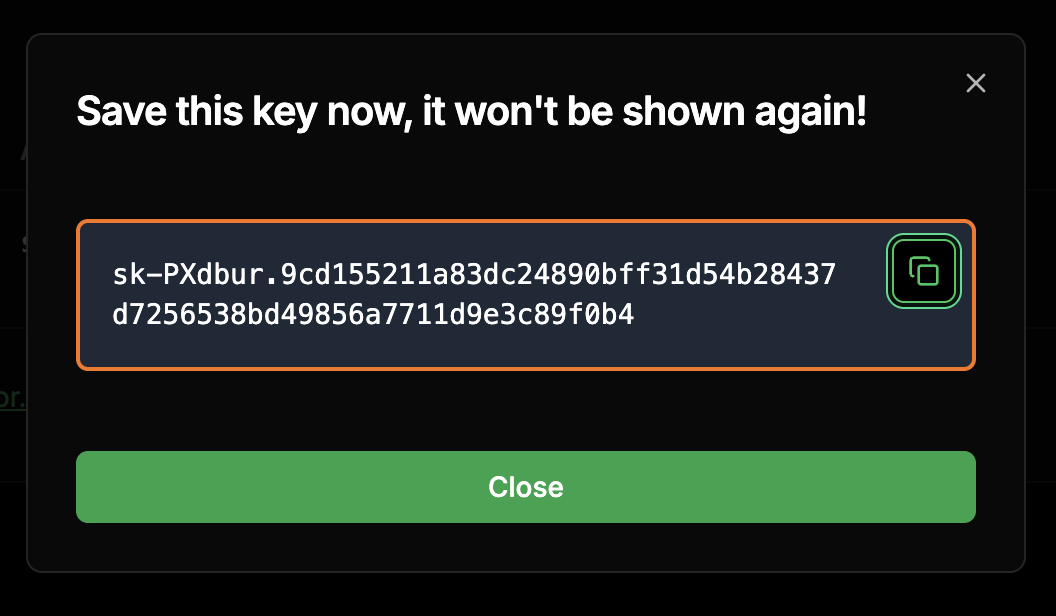
### Step 5: Copy Key
Now that you have your key, you can use the built-in test UI or API playground.
**Copy your API key immediately!** It won't be shown again after this screen.
***
## You're Ready!
You now have everything you need:
**Base URL:** `https://api.mor.org/api/v1`
**API Key:** The key you just created (starts with `sk-`)
Learn how to make your first API request with code examples in Python, JavaScript, and curl.
***
## Help Us Improve
We want your feedback! Use the API with your favorite tools—Cursor, LangChain, OpenWebUI, or anything else that supports OpenAI-compatible APIs.
Tell us what works, what's broken, and what you'd like to see improved.
**Provide Feedback:** [Submit feedback here](https://docs.google.com/spreadsheets/d/1Fj_AsxBWVFHhjD5neDeaKBnL64dVJ1S0GJQ9tKjZBz0/edit?usp=sharing)
 ### Step 2: Sign In or or Sign Up for a New Account
Click **Sign Up** to create a new account, or provide credentials if you already have one. You'll need to verify your email.
### Step 2: Sign In or or Sign Up for a New Account
Click **Sign Up** to create a new account, or provide credentials if you already have one. You'll need to verify your email.
 ### Step 3: Access Your Dashboard
After logging in, access your account settings and ensure that "Automation" is enabled.
### Step 3: Access Your Dashboard
After logging in, access your account settings and ensure that "Automation" is enabled.
 ### Step 4: Create an API Key
Click **API Keys**, and then **Create New API Key**, give it a name, and click create.
### Step 4: Create an API Key
Click **API Keys**, and then **Create New API Key**, give it a name, and click create.
 ### Step 5: Copy Key
Now that you have your key, you can use the built-in test UI or API playground.
### Step 5: Copy Key
Now that you have your key, you can use the built-in test UI or API playground.
 ***
## You're Ready!
You now have everything you need:
***
## You're Ready!
You now have everything you need: